 ™
Free Vehicle Background Remover
Remove backgrounds on your device. Photos stay in your browser, with no account or daily usage limit. The first use downloads the image-processing model.
See a car photo before and after background removal
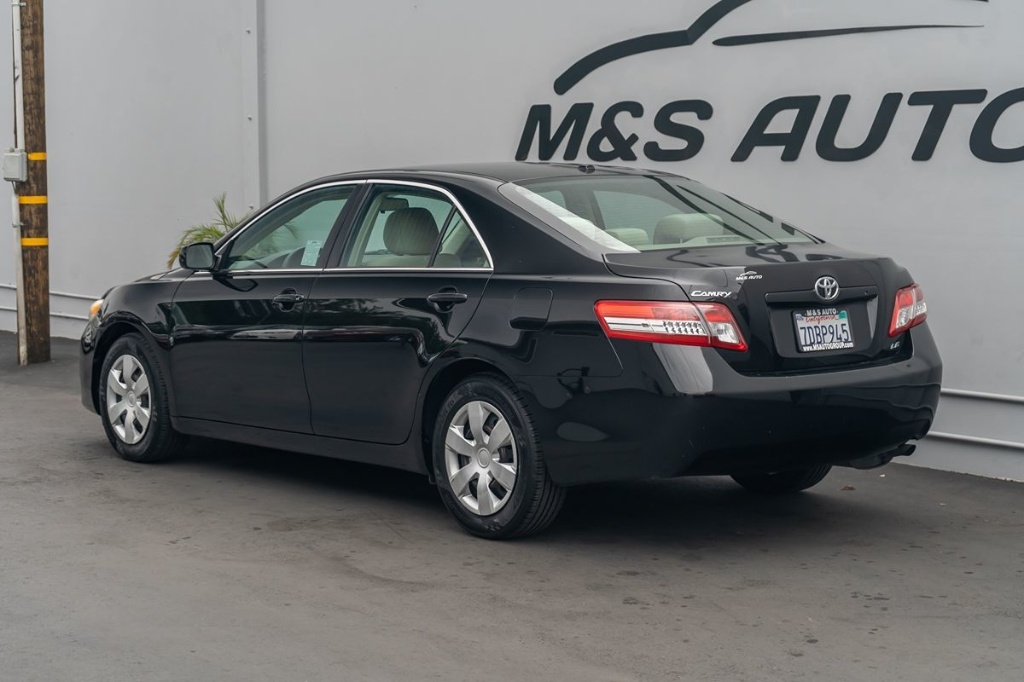
A clear photo with space around the vehicle gives you an easier cutout to review. This example shows the original scene and a transparent cutout; the checkerboard represents transparency.


Download the sample car photo to try the tool. Results vary with the scene and image quality; check mirrors, windows, tires, and shadows before publishing.
How to remove a car photo background
- Choose a JPG, PNG, or WebP photo with one clearly visible vehicle. Use a smaller image if your device runs short of memory.
- Keep the page open while the model loads and processes the photo. The first use needs an internet connection to download the model; your photo is processed on your device.
- Review the preview and download the PNG. Choose another photo if the result removes part of the vehicle or leaves pieces of the scene.
This tool creates a transparent cutout, one photo at a time. It does not add a new showroom scene or repair hidden parts of a car. Keep your original for comparison.
Prepare the cutout for your vehicle listing
Use the car photo resizer and compressor to set a consistent maximum size or add your dealership logo. Choose PNG or WebP to keep transparency; JPG uses a white background. Use the license plate blur tool when a plate needs masking.
Show shoppers the original vehicle condition accurately. Pair your finished photos with confirmed details on a vehicle detail page.
Ready to publish these photos on your dealership website?
Get Started FreeFor informational use only. Use images you own or have permission to edit. Review the cutout before publishing and accurately represent the vehicle; automated edits can remove details or leave artifacts.