
Highlights
Connect your dealership Page
Choose one business Page and control automatic posting from Distribution. Your inventory stays in the same AutoFire dashboard.
Share new arrivals automatically
Start with vehicles added after you turn it on. Choose older vehicles individually when you want to share them.
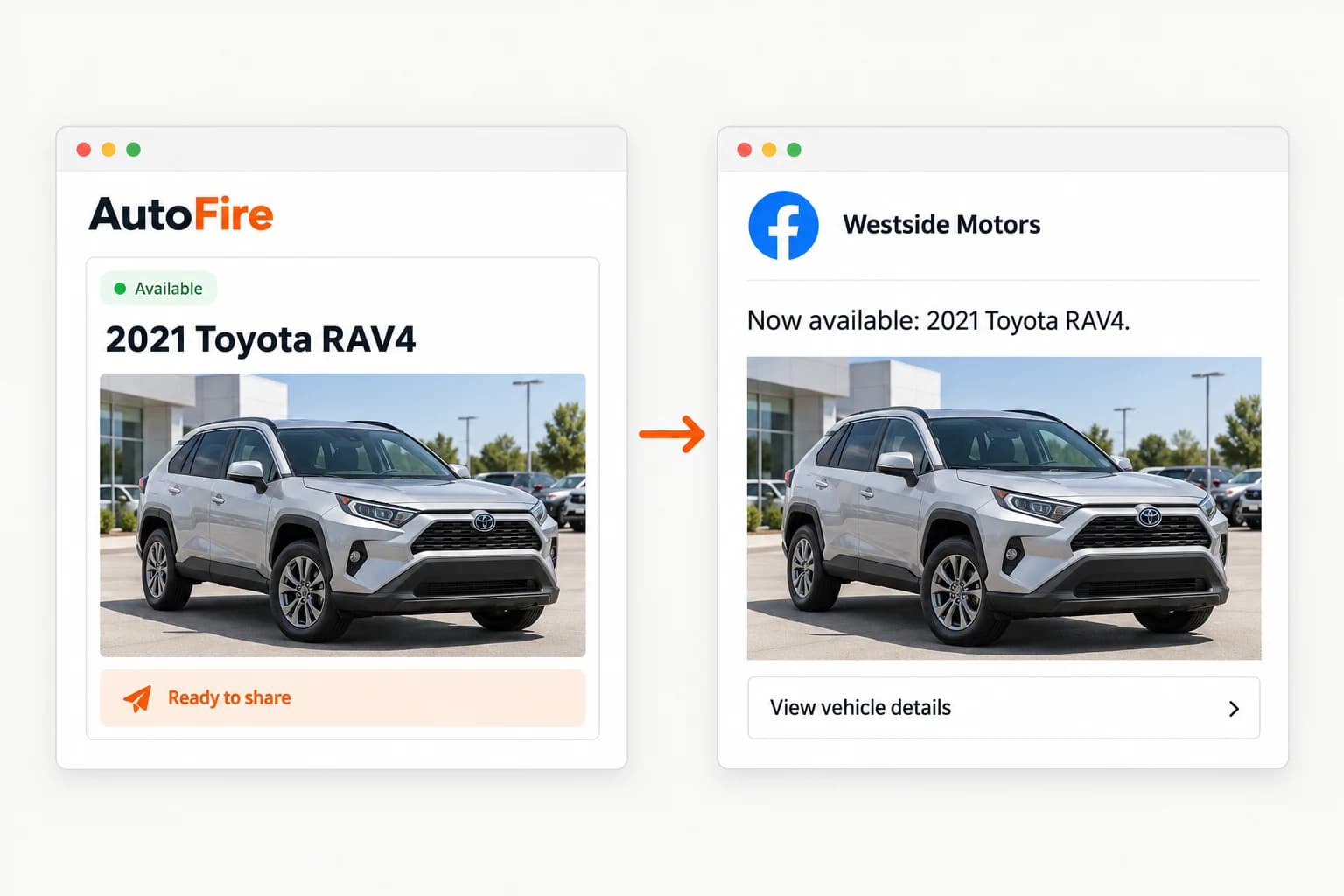
A clear path back to your website
Each post includes the vehicle’s photo preview and a link to its listing, where buyers can see pricing, details, and contact options.
Keep your Page useful
Duplicate protection prevents the same VIN from being posted again when availability changes. Posting is spaced out, and sold vehicles are marked SOLD or removed where allowed.
Why it matters
Practical notes
Coming soon. Facebook Page connection and automatic publishing are not available to dealerships yet.
A Meta Business Portfolio and an administrator able to grant access to the dealership Page are required.
Automatic and manually selected posts share a limit of three per 24 hours, at least two hours apart.
How it works in AutoFire
- When available, open Distribution and connect the Facebook business Page you manage for your dealership.
- Turn on automatic posting for new arrivals. Existing inventory stays untouched unless you choose Publish to Facebook on a vehicle.
- Add inventory through the web dashboard, iPhone app, or an import. Available vehicles with a VIN, photo, and public listing join the posting queue.
- Check posting status in AutoFire. Sold listings are marked SOLD or removed where Meta permits; Facebook provides post analytics in Meta Business Suite.