
Highlights
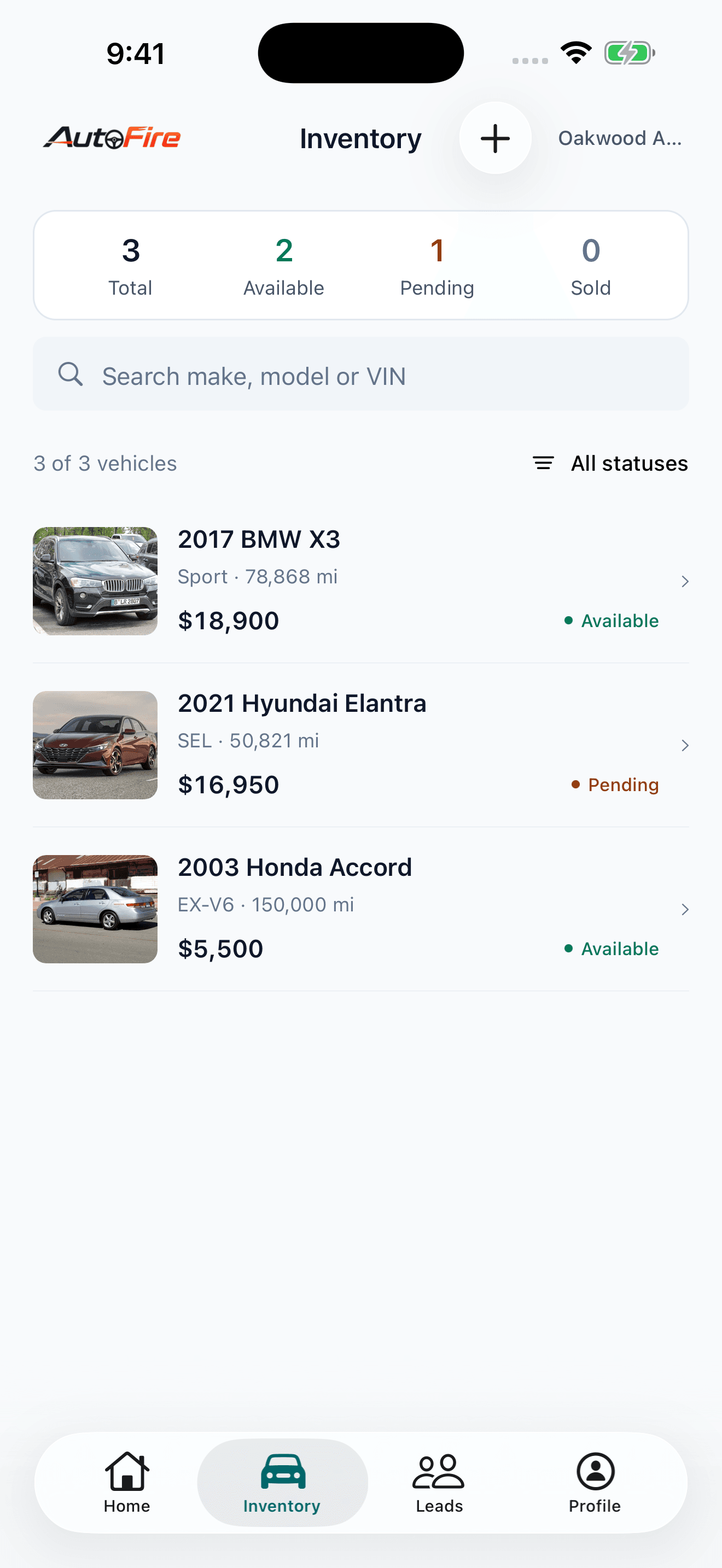
Inventory on the lot
Search by vehicle details or VIN, review availability, and update prices, mileage, and descriptions.
Vehicle listing workflow
Add vehicles with the guided form and VIN decoding. Dealership owners can take or select vehicle photos.
Buyer inquiries at hand
See the vehicle behind each inquiry, open a phone call or email, and update lead status.
Dealership activity
Review new leads, vehicles added, vehicles sold, and recent lead activity.
Why it matters
The work does not stop at your desk. Bring your dealership inventory and buyer inquiries onto the lot so you can check a vehicle or follow up with a shopper from your iPhone.
Practical notes
An existing AutoFire dealership account and an internet connection are required.
Available actions depend on your dealership permissions.
How it works in AutoFire
- Download AutoFire Dealer from the iPhone App Store.
- Sign in with the email and password or Google account you use for AutoFire.
- Choose a dealership you have access to, then open inventory, leads, or dealership activity.
FAQ
Is there an AutoFire iPhone app?▼
Yes. AutoFire Dealer is available on the App Store for iPhone.
Do I need an existing AutoFire account?▼
Yes. Sign in with an existing AutoFire dealership account. Available actions depend on your dealership permissions.
Can I use the app offline?▼
An internet connection is required to access and update your dealership data.